
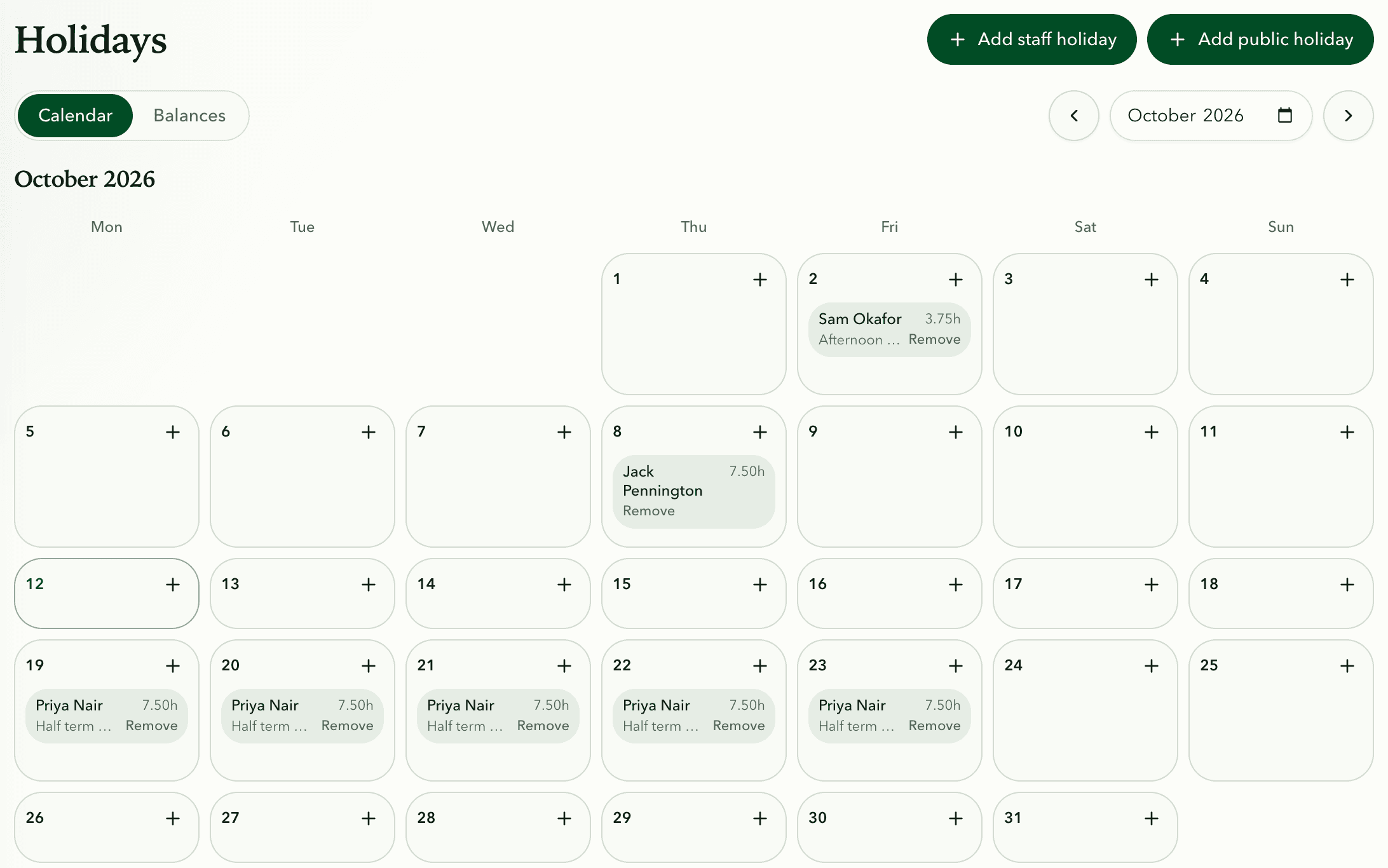
A holiday scheme sets when the holiday year starts, the usual allowance and the working days. Each person is on a scheme, and you can change their allowance, carry-over or adjustments.
Booked holiday is taken off their allowance and shows on their timesheet and the weekly plan.
Bank holidays fill in by themselves for your region. On schemes with Bank holidays come off the allowance ticked, each one on a person's working day counts as a day of holiday.
Step 1 · Team › Holidays › Schemes
Set up a scheme
- Open Holidays from the Team menu in the sidebar.
- Select Schemes, then New scheme.
- Give it a name, choose the month the holiday year starts, the allowance in days and the working days, then save.
Step 2 · Holidays › Balances
Set each person's allowance
- Open Balances to see everyone's Allowance, Accrued, Taken, Booked and Remaining.
- Select Set up or Manage next to a person.
- Choose their scheme, and change the allowance, carry-over or adjustment if needed.
Step 3 · Holidays › Add holiday
Book and approve holiday
- Select Add holiday.
- Choose the person and the dates, and whether it's a Full day or Half day.
- Select Save holiday.
- Holidays that are waiting for approval can be approved with Approve.
Step 4 · Holidays › Calendar › Bank holidays
Bank holidays
- Open Calendar and select Bank holidays.
- Choose your region: England and Wales, Scotland or Northern Ireland. The official dates fill in by themselves, including future years.
- Add any other days the business closes, such as Christmas Eve.
- In Schemes, tick Bank holidays come off the allowance if your allowance includes them.
Tips
- Accrued is the holiday earned so far this year, and Clocked is their paid clock-in hours.
- Each person's page in Team has their holidays and a Manage holidays link.