
In short
- Set each regular client up once as a pattern that produces dated visits.
- A rain delay changes one visit, while a new day or frequency changes the pattern.
- Access notes belong on the site, so whoever covers the job has them.
Set the regular round up once
If you retype the same maintenance round every week, you are doing the job twice. Each regular client should exist as a pattern ('every other Wednesday, two hours, Sam') that produces dated visits on its own.
Keep the pattern and the visit separate. The pattern is the standing instruction. The visit is next Wednesday's job, which you can move, reassign or cancel by itself.
Set a recurring job up once in Fieldfare and it appears as dated jobs in the day, week and month views, so Monday's visits are already there when you open the schedule on Sunday night. Cancel one visit for a client who's away and the fortnightly pattern picks up again from the next one.
Book how long each job takes
Each regular job needs the client, the site, the frequency, the usual day, the default staff and the standing work ('lawns, edges, beds weeded, hedges quarterly').
Duration is the one people fudge. If the big garden on the corner always takes three hours but is booked as one, the week looks fine on screen and falls apart by Wednesday.
Many rounds drop from weekly to monthly over winter and back again in spring. Pick the week each client switches back, rather than doing it one by one as they ring. Our gardening business year planner covers what to change when.
One-off changes and permanent ones
Most scheduling mess comes from treating a one-off change as a permanent one, or the other way round. Ask whether the change applies to this visit or to every visit from now on.
- This visit only: rain delay, client away, staff member off sick, one visit swapped for a hedge cut.
- Every visit from now on: new frequency, new day, bigger scope, new price.
- Not sure: change the single visit and look again at the weekly review.
Fieldfare
Put your regular round in once
Keep access notes on the site record
A calendar block tells someone where to be. It won't tell them the side gate sticks, or that the clippings go in the brown bin by the garage. That belongs on the site record, where it shows on every future visit.
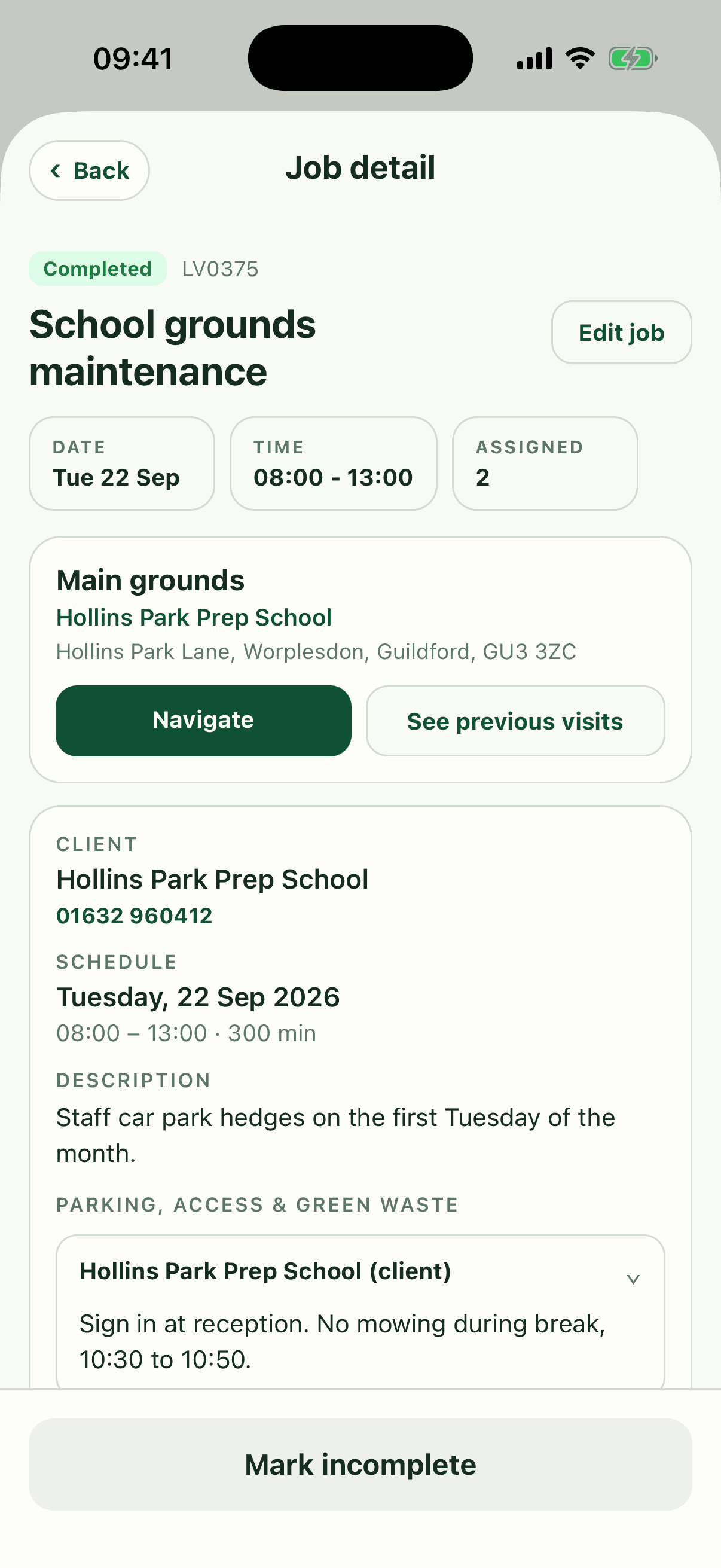
Each Fieldfare site has its own access, parking and green waste notes, photos and visit history, and staff see them in the iPhone or Android app next to the work to do. Whoever covers Sam's round in August opens the job and finds the gate code there. More on what to keep where in our guide to client and site records.
Check next week on Friday
Fifteen minutes on Friday afternoon catches most problems: jobs with nobody on them, and days with more hours booked than people to do them. Look at the holiday calendar while you're there.
Each morning, check the forecast and who's off sick, and move only the jobs that have to move. Drag a job from Tuesday to Thursday in Fieldfare's week view and it shows on that person's phone in its new slot.
Before each busy season, go through every regular client and check the day, frequency, duration and price still make sense. If Tuesday is packed and Thursday is light, move a few flexible clients now. Grouping them by area is covered in planning weekly gardening routes.
Quick answers
How far ahead should garden jobs be scheduled?
Regular maintenance should be set up for the whole season, with dated visits a few weeks ahead. One-off work is usually best booked a week or two out, once you can see how the round looks.
Should regular visits be on a fixed day?
Yes, as the default. Clients like knowing their day and your routes stay stable, so weather moves stay occasional.
What should happen to jobs lost to rain?
Move them to the next gap in the same week if you can, and only push them into next week when there's no room. Let the client know either way.
Can staff move their own jobs?
Better not. Let staff add notes and report problems, and keep moving jobs to one or two people in the office, or the same job gets moved twice.